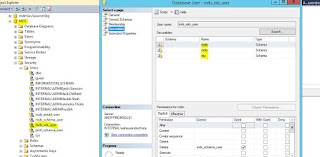
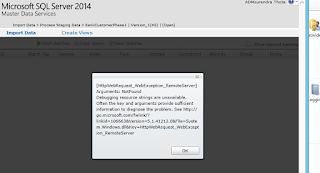
Hi All when we restore the MDS DB from one environment to another Environment and the versions are not same in those environments in this we case , after restoration is finished we connect to Master Data services configuration manager and then select the restored DB , it automatically enable Upgrade Database option , then go with that option . once everything is configured , when try to connect using Master data maestro tool we are getting I am getting the fallowing error The execute permission was denied on the object ‘udpSystemget’ database MDS , schema mdm . Cannot find the object 'tblStgBatch', because it does not exist or you do not have permission. Cannot find the object 'tblUserMemberCount', because it does not exist or you do not have permission. Then I started debugging the issue I ran the MDS configuration manager also it required upgrade database option and I did it , it is successful , and I am also able to browse MDS APP , there i...